
Despite what VPN commercials tell you, there’s really no reason to use a VPN at home
Public Wi-Fi, especially hotspots without passwords (like at cafés and malls), are where you should always be using a VPN. When your device communicates with a Wi-Fi hotspot, there isn’t a beam of radio waves connecting you to the router. Instead, the router and your device blast signals in every direction with the hope that the signal will eventually reach the router’s antenna.
Of course, this works most of the time, because you’re reading this post right now. Even in the event that a few packets don’t find their way, TCP has you covered. TCP is an internet protocol that ensures each end of the connection receives all the packets sent to it. Should a packet not arrive, it is sent again until delivery is complete.
How does this relate to VPNs? Well, because the signals are being sent in every direction, a hacker with the proper equipment, which actually isn’t too expensive, can collect those packets without you or the router noticing. Generally, password-protected Wi-Fi utilizes encryption that ensures what the hackers pick up is a jumbled and useless mess that can’t be reassembled. However, public Wi-Fi is often not password protected, meaning you don’t benefit from encryption. A VPN makes up for that by providing its own form of encryption that protects against snooping.
Not only does a VPN provide its own encryption, which prevents hackers from knowing what you’re doing online, they often contain another layer of defense. Many modern VPNs will ensure that the data being sent is not only received, but also received without being tampered with. Even in the event that someone attempts to inject unwanted data into a packet, the VPN should detect it and protect you from that kind of attack.
If a hacker is sitting right outside your house collecting every single packet your device sends, there’s nothing they can do with it.
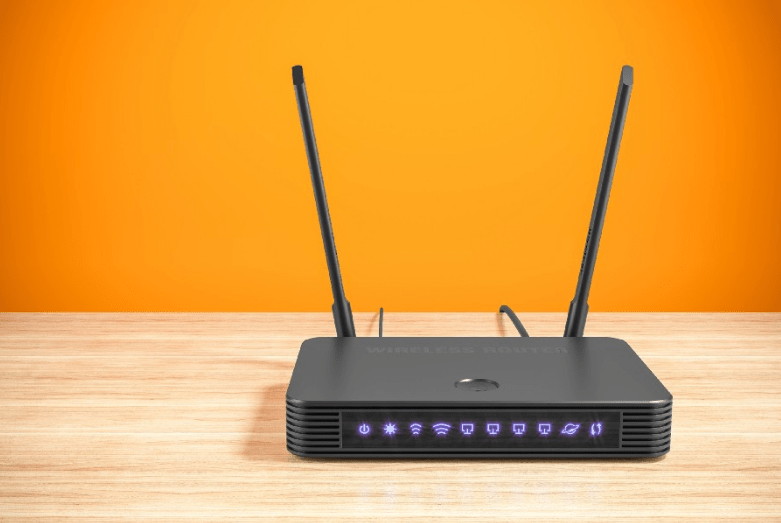
I’m willing to bet that your home Wi-Fi is protected by a password. Even if you’re unaware of the security benefits, having a password simply prevents people from using up your bandwidth. Modern routers make setting up and updating the password a relatively easy process, with the hardest part being updating the passwords on all your devices.
Since you most likely have a password set up for your Wi-Fi network, you’re getting the protection the encryption offers. If a hacker is sitting right outside your house collecting every single packet your device sends, there’s nothing they can do with it. This only works if the hacker can’t guess your password, however, so be sure to use a secure one.
One argument for using a VPN at home is if you don’t trust your ISP. That may be because you think the company is spying on you and selling your data, or it’s taking advantage of the lack of net neutrality and blocking websites unless you pay extra. Either way, a VPN is the perfect solution, right?
Well, not really. Remember, all a VPN does is securely tunnel your traffic to a server, after which there is no extra layer of encryption protecting you. Basically, using a VPN pushes the risk down the line from your home ISP to the VPN provider’s ISP.
Whether that puts you in a better situation largely depends on the VPN provider. Reputable — generally meaning paid — VPN services are most likely fine, because they’re making money from you paying them. Free VPN providers, however, often rely on selling user data to cover the costs of their services and make a profit.
Even if you trust your VPN provider, there are still other aspects to consider.
Because VPNs add another layer of encryption to your internet traffic, your latency will go up and speeds will go down. This is an acceptable trade-off when you’re on public or otherwise untrusted Wi-Fi, because a bit of slowdown is worth being secure. But when using a VPN at home, the trade-off doesn’t make nearly as much sense. The more physically distant the VPN server, the higher the latency and the slower speeds will become. If you’re lucky enough to have a VPN server close to your house, then the impact will be less noticeable — but it’s still there.
This advice is aimed at the general internet user who’s using a VPN to keep their internet traffic safe from hackers. At home, if you’re using a strong Wi-Fi password and HTTPS when it’s available, using a VPN won’t add much security to your internet browsing. Wi-Fi encryption will prevent nearby hackers from seeing what you’re doing, while HTTPS will protect you up to the web server itself.
Of course, the situation changes a bit when you’re using a VPN for both security and privacy. Assuming you take all the rights steps to hide your online identity, then using a VPN at home may make sense for your use case. Since you’re probably using a faraway VPN server to prevent online services from getting your approximate location, you’ll experience rather high latency and sluggish speeds. But if you care about your privacy enough to use a VPN 24/7, the trade-off is probably worth it for you.
I use a VPN at home, but it’s not because I want to hide from Google or as a protest against my ISP. (Okay, maybe it’s partially because I hate my ISP.) The main reason is so I can access my Raspberry Pi from anywhere in the world. Since I happen to use that Raspberry Pi as my main Wi-Fi router, everything gets routed through my VPN anyway.
But whenever I stream something or do anything else that’s bandwidth intensive, I switch to one of my other Wi-Fi networks without a VPN. In fact, my laptops usually aren’t connected to my VPN-enabled Wi-Fi connection, because I prefer speed and low latency over a bit of added privacy from my ISP.
All Rights Reserved for Bob Kfir
 Productivity Hub