Cover Photo: Photo by Nataliya Vaitkevich on Pexels.com
You signed up for that streaming trial “just for the long weekend.” You grabbed the discounted first year of a cloud storage plan, a meditation app at half price, and maybe a premium AI chatbot tier to test what the fuss is about. Fast-forward a few weeks: the trials quietly convert, the promo prices expire, and your bank statement starts to look like a list of apps you forgot you own.
This is the week to fix it. Black Friday and Cyber Monday are peak season for free trials and introductory offers, and most of them are designed to renew automatically. The good news: you do not need a budgeting app, a spreadsheet obsession, or a weekend. You need about 30 minutes, your phone, and the walkthrough below.
Key takeaways
- Most “forgotten” subscriptions hide in four places: your Apple or Google account, your card and bank statements, PayPal or other wallets, and your email inbox.
- Cancel through the same channel you signed up with. A subscription bought in an iPhone app usually has to be cancelled in your Apple account, not on the company website.
- Set a calendar reminder two days before every trial ends the moment you sign up. That one habit prevents most surprise charges.
- Use a simple Keep / Downgrade / Rotate / Cancel test instead of agonising over each service.
- Repeat a 10-minute mini-audit every quarter so subscription creep never builds up again.
Why subscriptions pile up (it is not just you)
Subscriptions are built to be easy to start and easy to forget. Sign-up takes one tap with a saved card or Face ID; the renewal happens silently in the background. Charges are often small enough that they do not register as a “purchase” in your head, and they arrive on different days of the month from different merchants with names that do not always match the app you know.
Holiday sales add a second layer. Introductory deals (“first three months for a fraction of the price”) look like savings, but the real cost is the full price you pay from month four onward if you never revisit the decision. Bundles make it even harder: your phone plan, your credit card or a retailer membership may include a streaming service that is now billing you separately because a promo ended.
Regulators have noticed. In the United States, the Federal Trade Commission finalised a “click-to-cancel” rule in 2024, a federal appeals court struck it down in 2025 on procedural grounds, and the agency has since moved to restart that rulemaking while continuing to enforce existing laws such as the Restore Online Shoppers’ Confidence Act. Rules differ a lot by country and state, so the practical lesson is the same everywhere: do not count on cancelling being easy. Build your own system.
A free trial is not free. It is a decision you have postponed, with a deadline the company picked for you.
Step 1: Gather every recurring charge (10 minutes)
The goal of this step is a complete list, not decisions. Open a note on your phone and write down every recurring charge you find, with the amount and the renewal date if you can see it. Check these places in order, because each one catches things the others miss.
Your Apple account (iPhone, iPad, Mac)
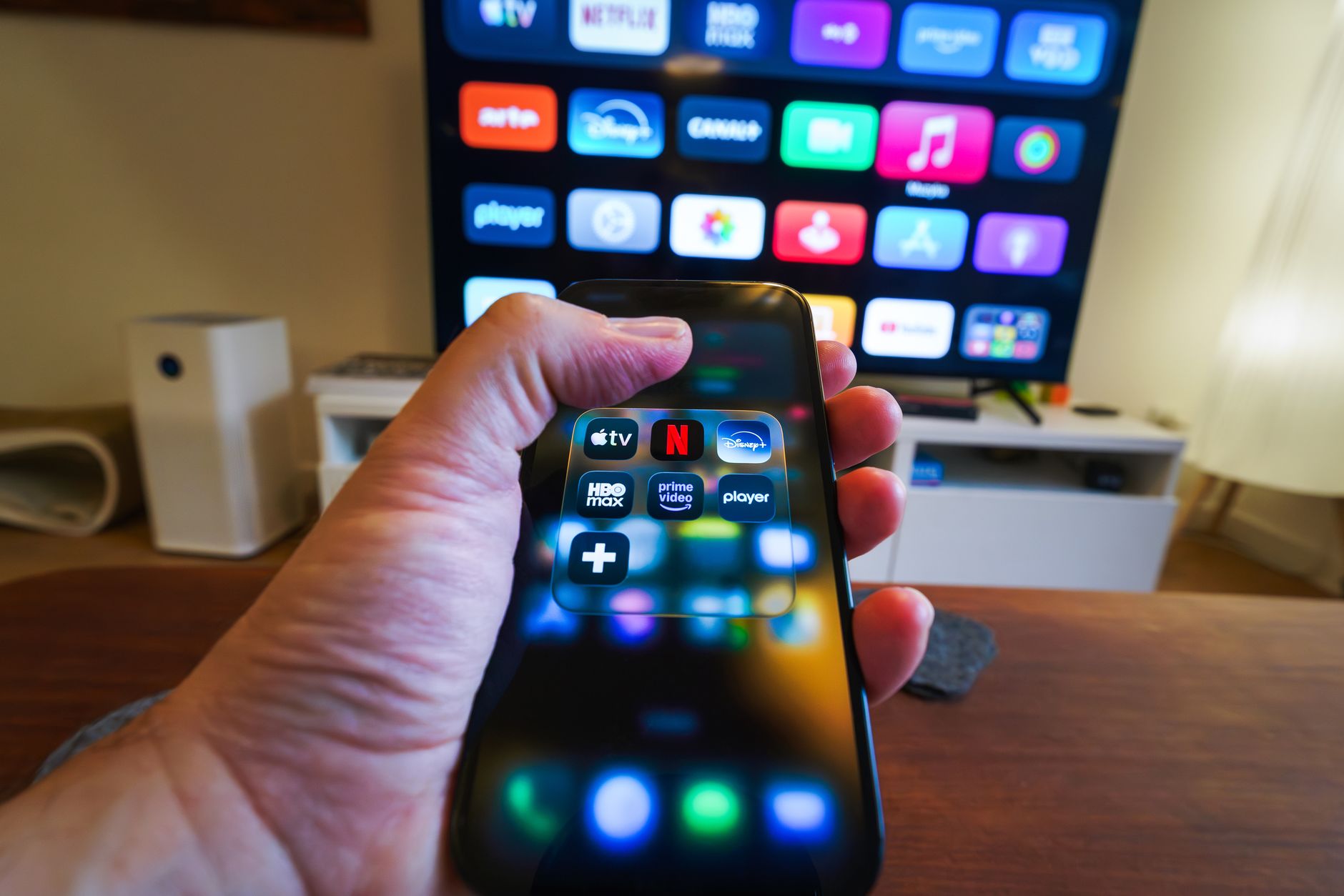
On an iPhone or iPad, open Settings, tap your name, then tap Subscriptions. You can also open the App Store, tap your profile picture and choose Subscriptions. You will see active subscriptions at the top and expired ones below, and each entry shows the next renewal date. Apple’s official guide is here: Cancel a subscription from Apple.
Your Google Play account (Android)
Open the Google Play Store, tap your profile icon, then Payments & subscriptions and Subscriptions. Every app subscription billed through Google lives here, with its renewal date and a cancel button. Google keeps its current instructions on the Google Play Help Center.
Card, bank and wallet statements
Scroll back through the last three months of every card and bank account you use online. Three months matters: some services bill quarterly or annually, and annual renewals are the ones that sting most. Look for small, repeating amounts and merchant names you do not recognise. Many banking apps now group recurring payments automatically, so check whether yours has a “recurring” or “subscriptions” view. If you use PayPal, look at its automatic payments settings too, since merchants can bill you there without touching your card directly.
Your inbox
Search your email for words like receipt, renewal, trial, your plan and membership. This catches services billed directly on a company’s website, which will not appear in your Apple or Google lists. It also surfaces trials that have not charged you yet but are about to.
Step 2: Sort with the Keep / Downgrade / Rotate / Cancel test (10 minutes)
Now go down your list and give every item one of four labels. Do not overthink it. If you are stuck on one for more than 20 seconds, it is probably a Cancel.
| Label | Ask yourself | Example action |
|---|---|---|
| Keep | Did I use this in the last two weeks, and would I pay full price again today? | Note the renewal date and move on. |
| Downgrade | Do I use it, but only the basic features? | Switch to a cheaper tier, an ad-supported plan, or a family plan you share. |
| Rotate | Do I want it sometimes, but not every month? | Keep one streaming service at a time and switch when you finish a show. |
| Cancel | Did I forget I had it, or do I feel guilty when I see it? | Cancel today, using the steps below. |
The “would I pay full price again today?” question is the most useful one. It strips away the sunk cost (“but I already paid for the year”) and the promo glow (“it was such a good deal”). If the honest answer is no, it is not a Keep.
A note on AI subscriptions
Paid AI tiers are the newest line item for many people, and it is common to end up paying for two or three overlapping assistants after testing them. Before you renew, write down the two or three tasks you actually use the paid tier for each week. If the free version, or a single paid tool, covers them, downgrade the rest. And while you are in the settings, check the privacy options too; we walked through those in How to Use AI to Shop Black Friday Without Getting Played.
Step 3: Cancel the right way (10 minutes)
Cancelling is where most good intentions die, usually because people try the wrong place. Use this order:
- Go back to where you signed up. App Store and Google Play subscriptions are cancelled in those accounts. Deleting the app does not cancel the subscription.
- For website sign-ups, look in Account, Billing or Membership settings. If you cannot find a cancel option, search the company help pages for “cancel”.
- Take a screenshot of the confirmation. Save the confirmation email too. If you are charged again, this is your evidence.
- Note when access ends. On many platforms you keep access until the end of the period you already paid for, so cancelling early usually does not cost you anything. Check the confirmation screen to be sure.
- Remove saved cards you no longer need. Fewer stored cards means fewer places for a forgotten renewal to land.
If a company makes cancelling genuinely difficult, stay calm and keep records: the date, who you spoke to, and what they said. Your card issuer may be able to help with disputed charges, and in many countries there are consumer protection bodies you can complain to. In the US, that includes reporting to the FTC at ReportFraud.ftc.gov.
Watch for the retention offer
Many services will offer a discount when you try to leave. This is not a trick in itself, and sometimes it is a good deal. Just run it through the same test: would you happily pay that price, and will you remember when the discount ends? If you accept, put the end date in your calendar right away.
Trials you just started: defuse them now
If you signed up for anything this week, handle it before you forget. You have two good options:
- Cancel immediately and enjoy the trial anyway. On many platforms, including Apple’s, cancelling a free trial early may end your access right away, so check the cancellation screen before you confirm. If it says access continues until the trial end date, this is the safest choice.
- Set two reminders. Put one calendar alert three days before the trial ends (“Decide: keep or cancel X”) and one the day before (“Last chance: X charges tomorrow”). Write the price in the reminder so the decision is concrete.
Make it a rule for the future, too: no trial without a reminder. It takes 15 seconds when you sign up and saves you from the most common surprise charge there is.
Pitfalls that catch even organised people
- Annual renewals. They are easy to miss because they only show up once a year. When you find one, note the renewal date in your calendar a week ahead.
- Family and shared plans. If someone else in your household also pays for the same service, you may be doubling up. Compare lists with your partner or housemates.
- Bundled perks. Your phone carrier, broadband provider or credit card may already include a service you are paying for separately. Check your plan details before renewing.
- Old email addresses. Subscriptions tied to an inbox you rarely check are the hardest to spot. Search that inbox too, or update the account email.
- Price increases. A subscription that was a Keep last year may not be one now. Many services notify price changes by email, which is easy to ignore.
- Cancelling the wrong account. If you have more than one Apple ID or Google account, check them all.
Make it automatic: the 10-minute quarterly check
The full audit is a reset. What keeps you from needing another one is a tiny, repeating habit. Add a recurring calendar event every three months called “Subscription check, 10 min” and do just three things:
- Open your Apple or Google subscriptions list and scan the renewal dates.
- Scroll your main card statement for the last month looking for anything new.
- Ask the Keep question of anything renewing in the next 30 days.
If you already do a weekly review, you can fold this into it once a month instead. Our guide to the 30-minute weekly review shows how to build that ritual. Some people also like a dedicated subscription tracker app. That can work, but be wary of trackers that want full access to your bank account; a simple note plus calendar reminders does the job for most people, and it is free.
Your action plan
Try this today (30 minutes)
- Open your Apple and/or Google subscription lists and write down every active item.
- Scan three months of card and bank statements, plus your inbox, for anything else.
- Label every item Keep, Downgrade, Rotate or Cancel.
- Cancel the Cancels and screenshot each confirmation.
This week
- Set reminders for every trial you started during the Black Friday sales.
- Downgrade or rotate anything you labelled that way, and compare shared plans with your household.
- Add a recurring quarterly “Subscription check” event to your calendar.
Want a home for these reminders? If your current to-do app is not cutting it, our 5-question test for choosing a to-do app will help you pick one you will actually open.
FAQ
Does deleting an app cancel my subscription?
No. Deleting the app only removes it from your device. App subscriptions are tied to your Apple or Google account and keep renewing until you cancel them in your account settings.
How do I find subscriptions I do not remember signing up for?
Check your Apple or Google subscription lists, then scan at least three months of card, bank and PayPal activity for repeating charges, and search your inbox for “receipt”, “renewal” and “trial”. Unfamiliar merchant names are worth looking up; if you do not recognise a charge at all, contact your bank.
If I cancel a free trial early, do I lose access straight away?
It depends on the service. Some let you keep using the trial until it ends; others, including some trials billed through Apple, may end access as soon as you cancel. The cancellation screen usually tells you, so read it before you confirm.
Can I get a refund for a subscription I forgot to cancel?
Sometimes. Apple and Google both let you request refunds for some purchases, and many companies will refund a recent renewal if you ask politely and have not used the service. It is never guaranteed, so cancelling before renewal is always the better plan.
How often should I review my subscriptions?
A full audit once or twice a year, plus a quick 10-minute check every quarter, is enough for most people. Doing a review right after big sale events like Black Friday is especially worthwhile because that is when trials and intro deals stack up.
Is it worth paying for a subscription tracker app?
For most people, no. Your phone’s built-in subscription lists, your banking app and a calendar reminder cover the essentials for free. If you do try a tracker, check what data it asks for and read its privacy policy before connecting any bank account.
This article is general information, not financial or legal advice. Consumer rules on subscriptions and refunds vary by country and state; if you have a dispute with a company, your bank or a local consumer protection body can advise on your specific situation.



Leave a Reply